
Official Prime Market Link
http://primeyr5lrerg5wigkzd7qp46kaq7f2qco7tgbmdmo2bdvmiwnbixkid.onion
Security Notice: Only access this link through Tor Browser. Always verify the .onion URL before logging in. Never trust links from unverified sources.
Getting Started with Prime Market
A complete step-by-step guide for beginners to access and use Prime Market safely
Prerequisites
Before you begin, you'll need:
- A computer running Windows, macOS, or Linux
- Stable internet connection
- Basic understanding of file downloads and installations
- Cryptocurrency (Bitcoin or Monero) for making purchases
- Time and patience to follow security procedures
Step 1: Install Tor Browser
Why Tor Browser?
Tor Browser is essential for accessing Prime Market. It routes your connection through multiple encrypted layers, ensuring anonymity and access to .onion addresses.
Download & Installation
- Visit the official Tor Project website: torproject.org
- Click "Download Tor Browser" and select your operating system
- Run the installer and follow the on-screen instructions
- Launch Tor Browser and click "Connect"
- Wait for connection to establish (usually 10-30 seconds)
Video Tutorial: Tor Browser Installation
Video by The Hated One - "How to use Tor Browser for Maximum Anonymity"
Step 2: Set Up PGP Encryption
Why PGP?
PGP (Pretty Good Privacy) encryption protects your communications with vendors and the marketplace. It's mandatory on Prime Market for enhanced security.
Installing PGP Tools
For Windows: Download Gpg4win from gpg4win.org
For macOS: Download GPG Suite from gpgtools.org
For Linux: GnuPG is usually pre-installed. Run gpg --version to check.
Generating Your PGP Key Pair
- Open Kleopatra (Windows) or GPG Keychain (macOS)
- Click "New Key Pair" or "New"
- Enter your name (can be pseudonym) and email
- Choose key length: 4096 bits (maximum security)
- Set expiration: 2 years recommended
- Create a strong passphrase (20+ characters)
- Generate the key pair (may take 1-2 minutes)
Video Tutorial: PGP Encryption Setup
Video by Mental Outlaw - "Complete PGP Encryption Tutorial"
Step 3: Access Prime Market
Finding the .onion Address
Prime Market's .onion address is only accessible through Tor Browser. For security reasons, we don't publish the address publicly on clearnet sites.
How to find it:
- Check darknet forums and verified directories
- Use darknet search engines like Ahmia or Torch
- Ask trusted community members (verify via PGP signatures)
- Check this wiki's news section for official announcements
Step 4: Create Your Account
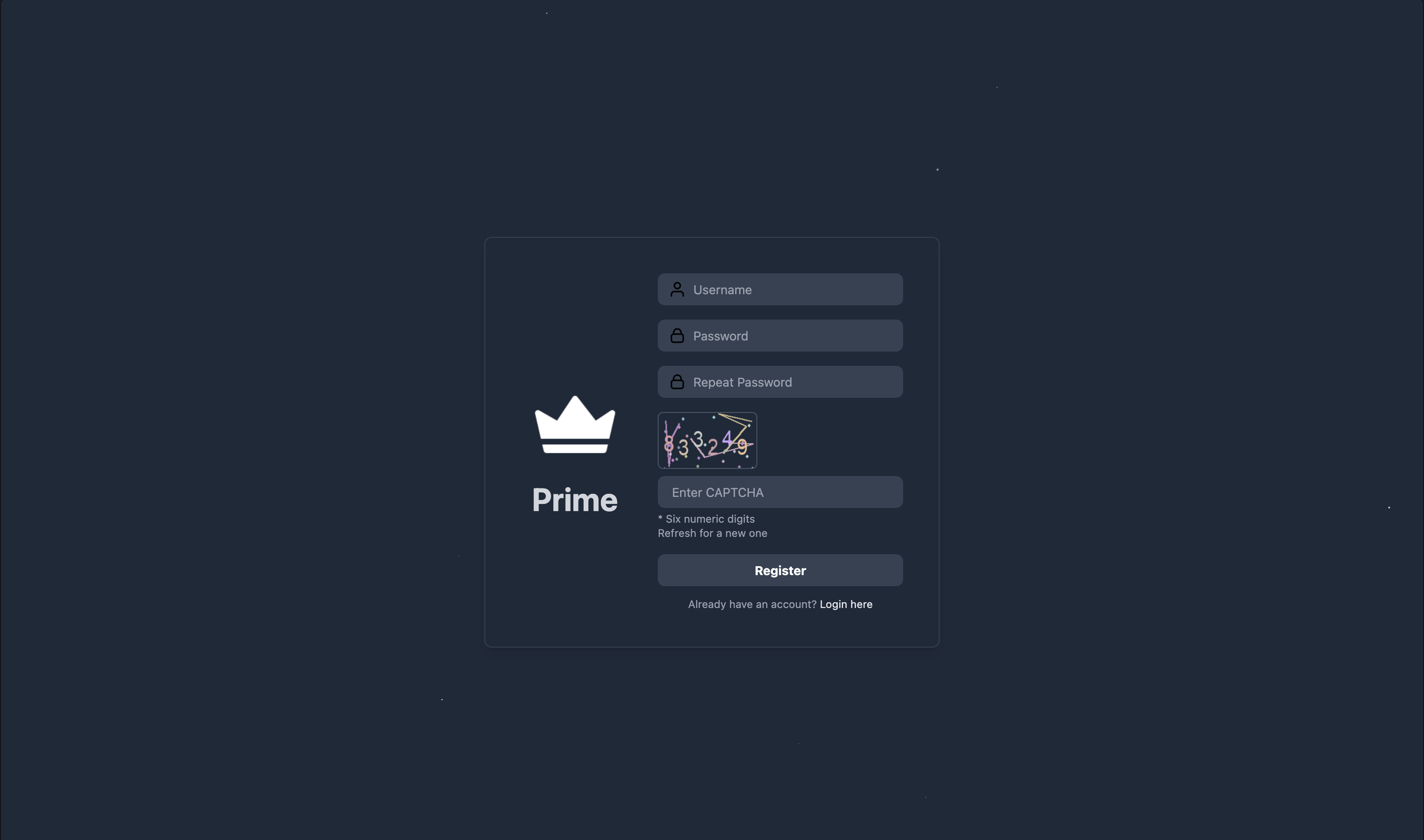
Registration Process
- Navigate to Prime Market's .onion address in Tor Browser
- Click "Register" or "Sign Up"
- Choose a unique username (do not use real name or identifiable info)
- Create a strong password (20+ characters, use password manager)
- Solve the CAPTCHA to prove you're human
- Add your PGP public key (copy from Kleopatra/GPG Keychain)
- Enable 2FA (Two-Factor Authentication) - highly recommended
- Write down your recovery codes and store offline
- Complete registration
Account Security Tips
- Use a password manager like KeePassXC (open source)
- Never reuse passwords from other sites
- Enable all available security features (2FA, PGP, login notifications)
- Regularly change your password (every 3-6 months)
Step 5: Fund Your Wallet
Cryptocurrency Options
Prime Market accepts:
- Bitcoin (BTC) - Most widely accepted
- Monero (XMR) - Enhanced privacy features
Depositing Funds
- Log in to your Prime Market account
- Navigate to "Wallet" or "Balance"
- Click "Deposit" and select cryptocurrency (BTC or XMR)
- Copy the deposit address (or scan QR code)
- Send funds from your personal wallet to this address
- Wait for network confirmations (1-6 confirmations depending on amount)
- Funds will appear in your Prime Market balance
Recommended Wallets
- Bitcoin: Electrum, Wasabi Wallet, Samourai Wallet
- Monero: Official Monero GUI, Cake Wallet, Monerujo
Step 6: Make Your First Purchase
Shopping on Prime Market
- Browse products using search or category filters
- Review vendor ratings and feedback carefully
- Read product descriptions thoroughly
- Check vendor's shipping countries and policies
- Add item to cart and proceed to checkout
- Verify shipping address (if applicable)
- Select escrow payment (recommended for new buyers)
- Confirm order and wait for vendor to process
After Ordering
- Vendor will confirm and provide shipping information
- Track order status in your account dashboard
- Wait for delivery (timeframe varies by vendor)
- Once received, verify the product matches description
- Finalize the order to release escrow funds to vendor
- Leave honest feedback and rating
Best Practices & Safety Tips
Operational Security (OPSEC)
- Never use real name or identifying info
- Always use Tor Browser
- Consider using Tails OS for maximum privacy
- Clear browser cache regularly
Communication
- Always encrypt messages with PGP
- Never discuss orders outside marketplace
- Don't reveal personal information to vendors
- Use marketplace messaging system only
Financial Security
- Only deposit what you plan to spend
- Withdraw remaining balance after purchases
- Use escrow for all transactions
- Never send direct payments to vendors
Vendor Selection
- Check vendor rating and feedback score
- Read recent reviews (last 30 days)
- Verify vendor's PGP key
- Start with established vendors
Next Steps
Now that you understand the basics, continue your education:
- Security & OPSEC Guide - Advanced privacy techniques
- Understanding Escrow - How buyer protection works
- Buyer's Guide - Detailed purchasing strategies
- Tools & Resources - Download links for all necessary software
- FAQ - Answers to common questions